GETTING STARTED / 06
Build an AI Passport app with Codex
Open the app project in Codex, turn the idea into a verifiable task, then build, install, and iterate on hardware.
Prepare the app project and a test device
Start with a project you can build and an AI Passport you can use for testing. Note the dependencies and build command, and save a working firmware file you can restore if something goes wrong.
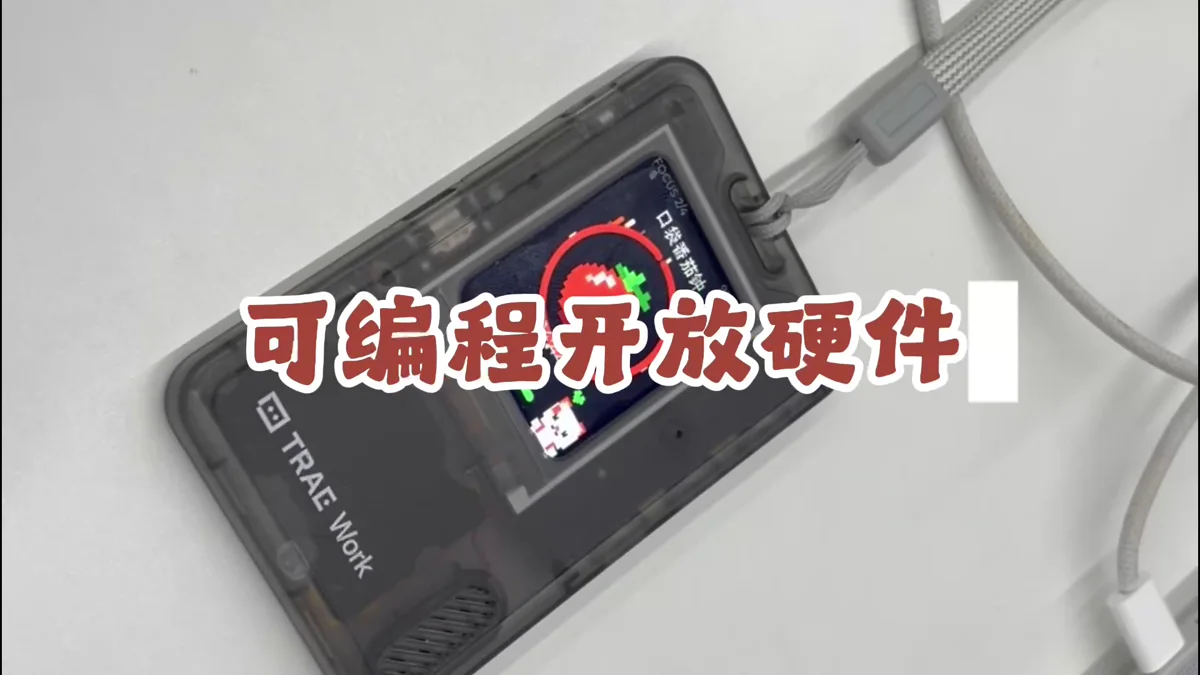
- Complete one clean build of the original project
- Learn how to restore the default firmware and keep a tested stable build
- Connect the test device with a data-capable USB cable
Open the app project in Codex
Give Codex the complete app project as its workspace. First ask it to read the project instructions, hardware configuration, existing examples, and build scripts, then summarize the paths it plans to reuse before making changes.
Build  using the complete project at https://gitee.com/FoloToy/ai-passport; reuse a local checkout if available.
Read AGENTS.md and docs/README.md first, then consult relevant documentation, hardware interfaces, and examples as needed. Prepare the environment and install the Skills required by the project.
Preserve existing changes and develop on a new branch. Reuse the BSP and design a fresh application UI instead of copying the demo; check font coverage for Chinese text. Ask when key requirements are unclear and handle the rest autonomously.
Run project validation and deliver merged firmware flashable from 0x0. Report test results and anything unverified. When finished, proactively ask whether to test on hardware; do not flash without confirmation.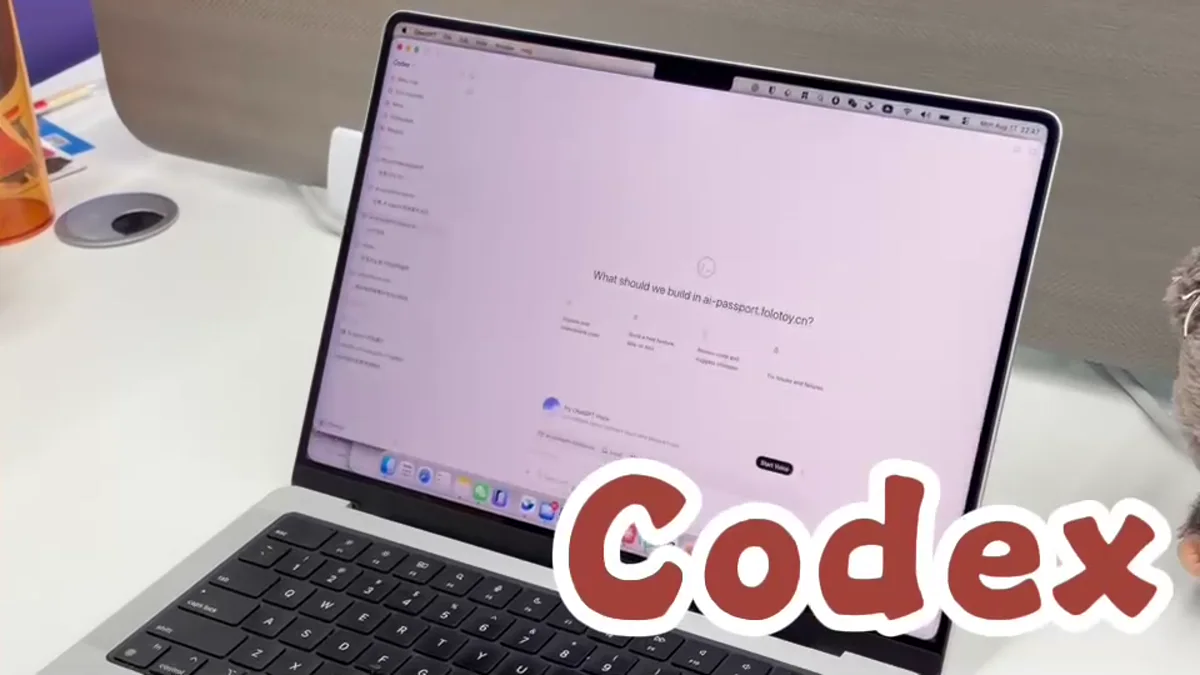
Open the whole project so your AI agent can read the code, run tests, and build the firmware in one place.
Turn the app into a verifiable task
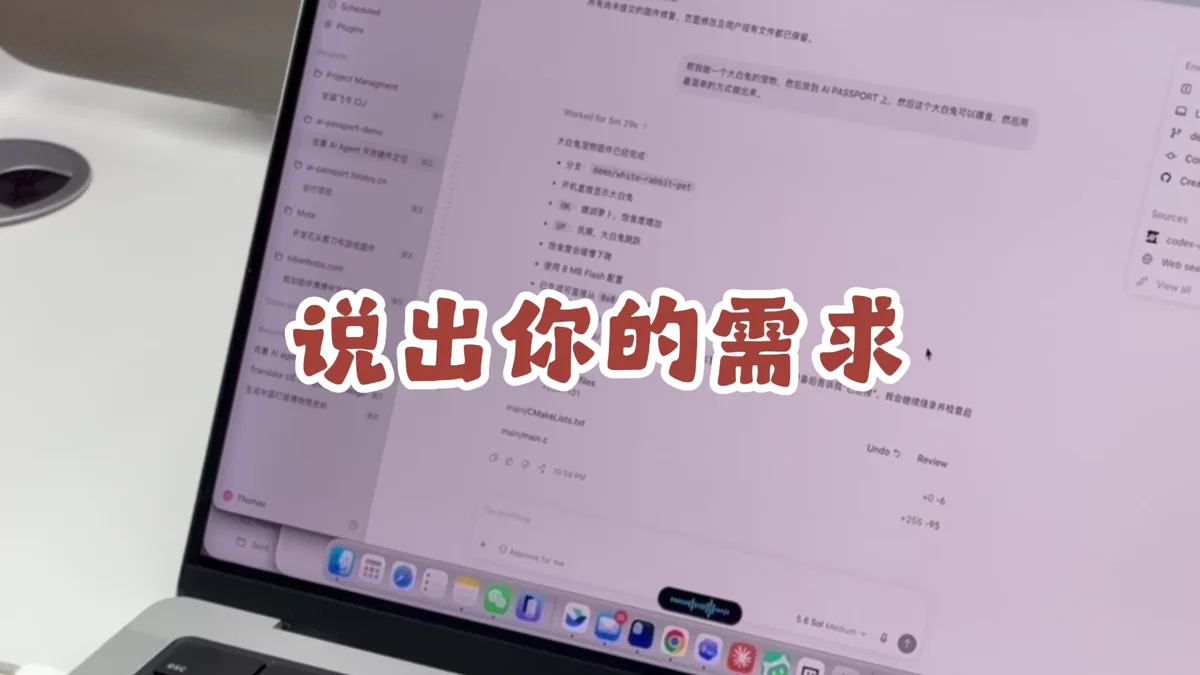
Tell Codex who the app is for, what appears after startup, how the three buttons behave, and what a successful result looks like. Require a completed build and flashable artifact, not source code alone.
- Context and core goal
- Screens, states, and text
- Short- and long-press behavior for Up, Down, and Confirm
- Sound, Bluetooth, networking, and storage needs
- Success criteria, build command, and firmware output
Let Codex implement, build, and fix errors
Ask Codex to make the changes, run the project’s build and test commands, and fix any errors. Have it summarize what changed, what it checked, where to find the firmware, and what still needs testing.
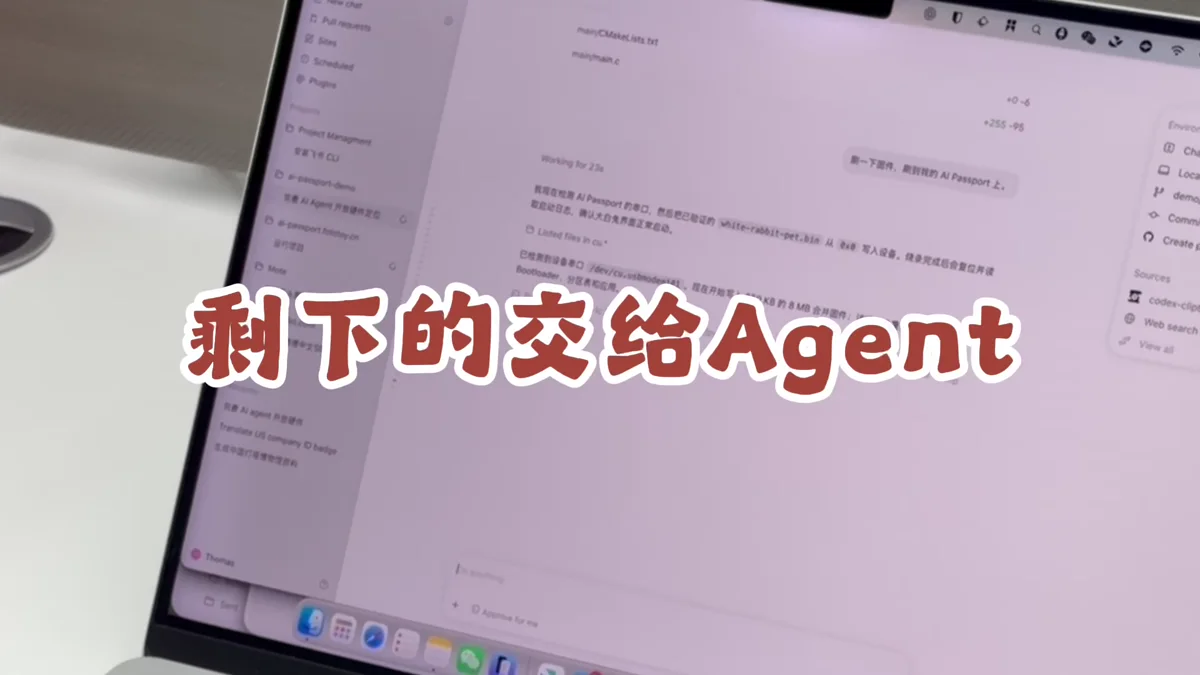
Keep the full build error in the same task when something fails. Do not skip verification or treat unbuilt source as the finished result.
Install the Codex build on AI Passport
Open the web flasher, select the app produced by Codex, verify the target device, and start installation. Keep USB connected until writing finishes, then restart and confirm that the device boots.
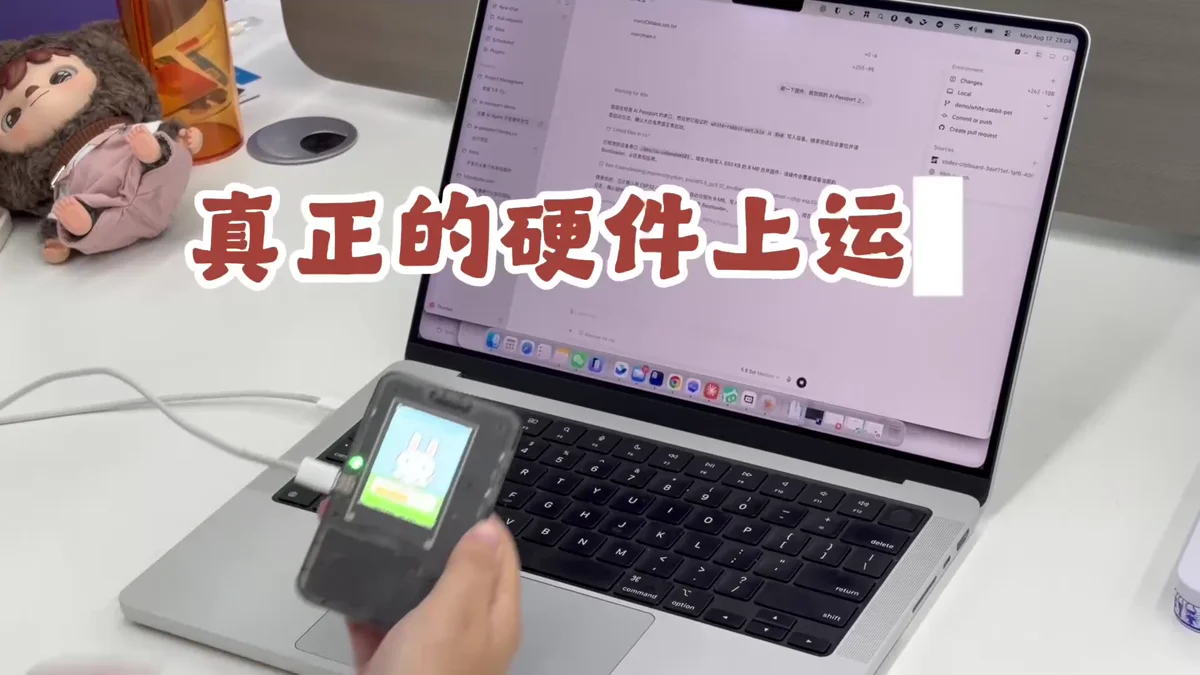
- Select the artifact from the current build
- Do not unplug or close the page during installation
- Keep device logs and the build identity if anything fails
Use the device, then return feedback to Codex
Play through the complete experience away from the computer. Check display readability, one-handed controls, startup time, and recovery behavior. Give the reproduction steps, visuals, and logs back to the same Codex task for a focused rebuild.
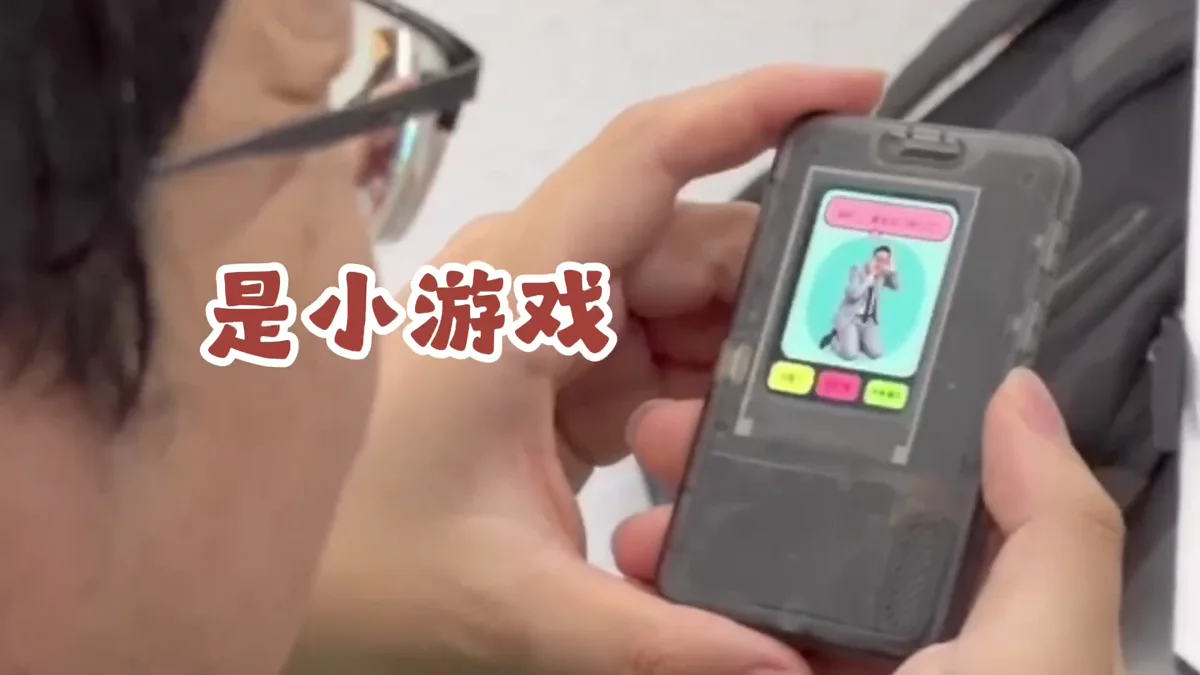
- Keep each iteration focused on a few reproducible issues
- Save a source commit and firmware backup for every usable build
- Add screens, rules, or connectivity only after the core flow is stable